
Send, answer, then recover.
Prove the complete workflow with a contact you control before inviting customers.
01Check the setup
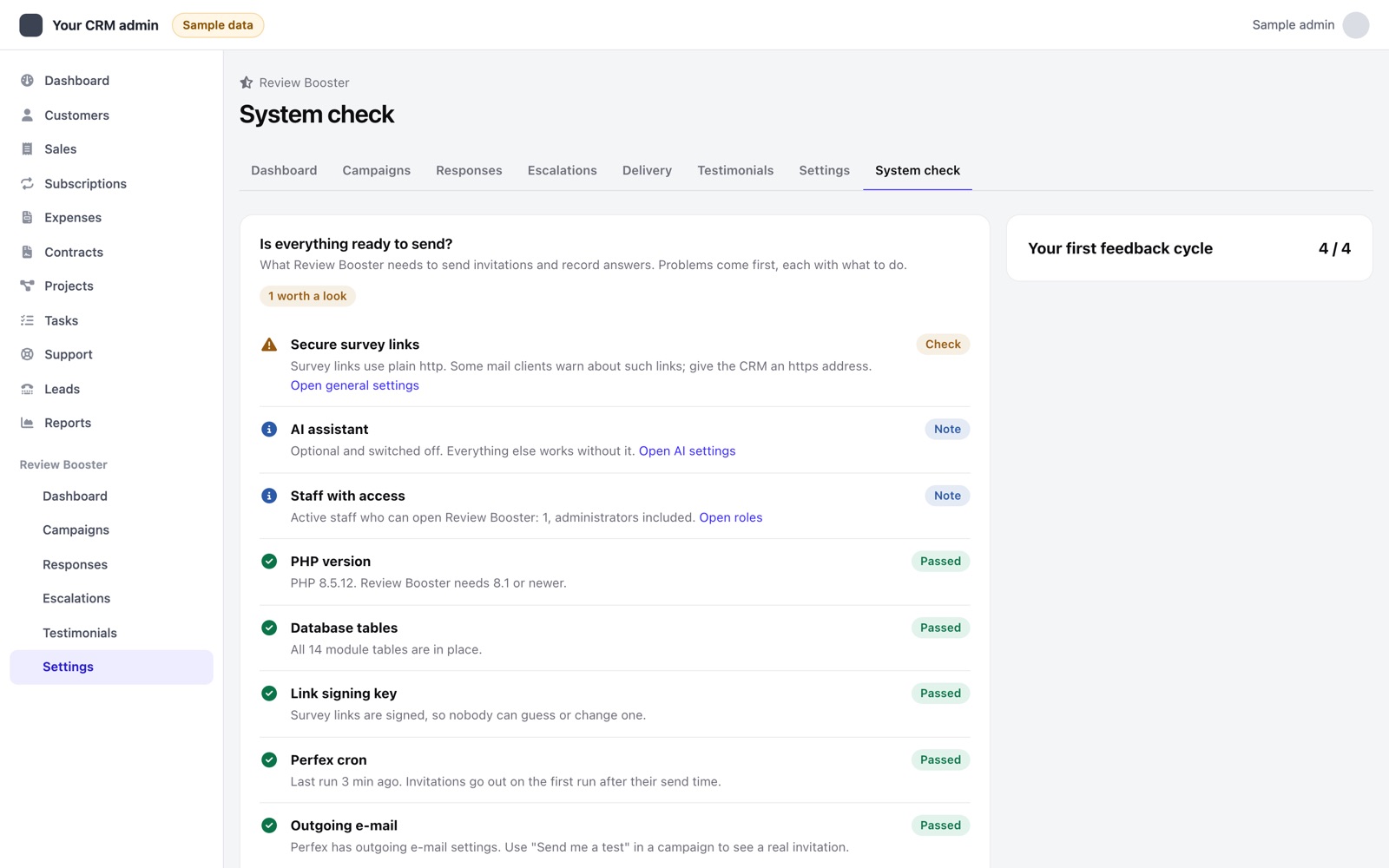
Open Review Booster → System check. It lists what the module needs to send invitations and record answers: PHP, the module tables, the link signing key, the Perfex cron, outgoing e-mail, waiting or failed invitations, active campaigns, review sites, secure links and staff access. Problems come first, each with what to do and a link to the right page. The check only reads; it never sends or changes anything.
02Create a controlled campaign
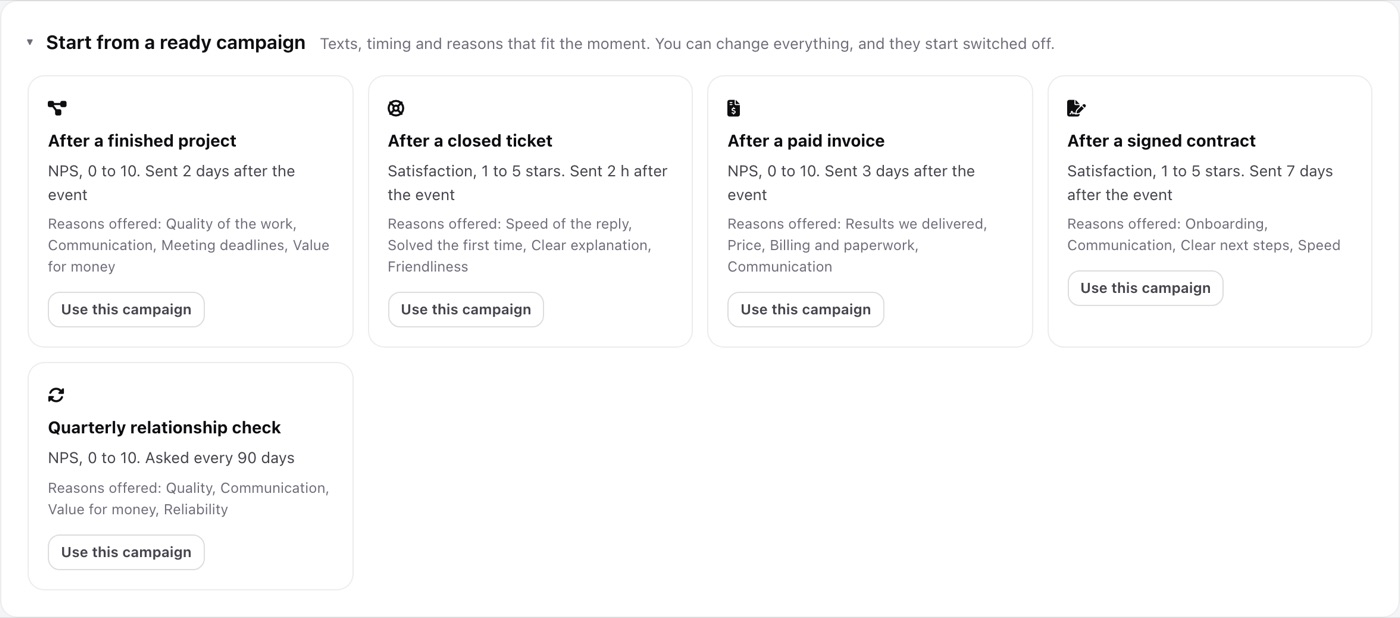
- Start from a ready campaign. In Campaigns open Start from a ready campaign and pick the moment: a finished project, a closed ticket, a paid invoice, a signed contract or a quarterly check. Each comes with its own question, texts, delay and reasons, and starts switched off. Edit anything before you switch it on.
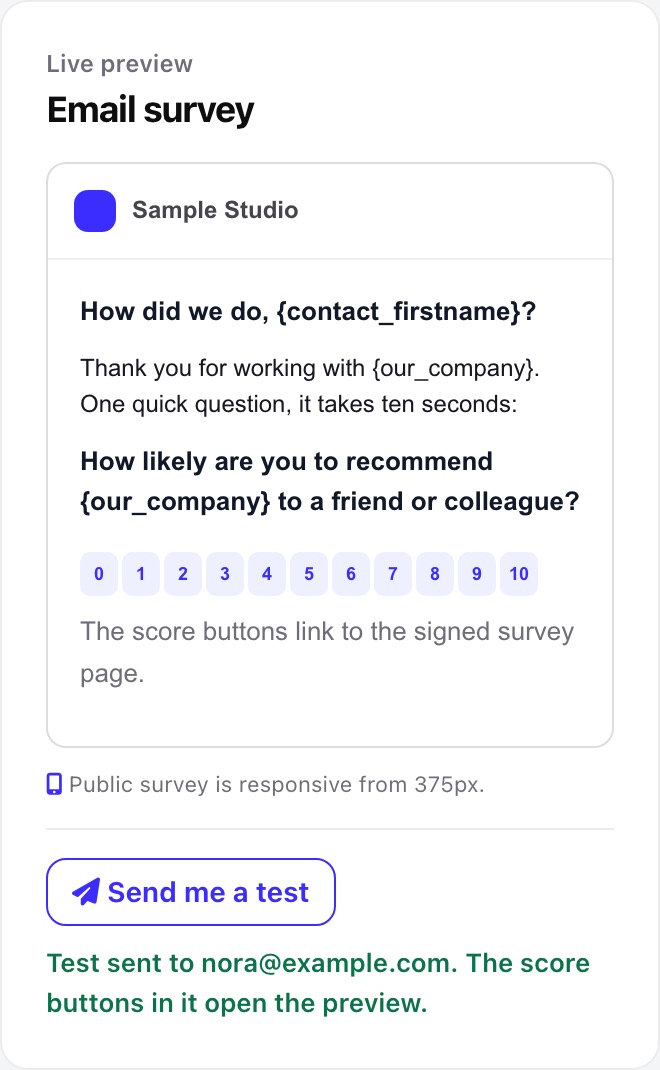
- Send me a test. In the campaign editor, Send me a test sends the invitation with the texts on screen, saved or not, to the e-mail address of your staff profile. Its score buttons open the survey preview, so nothing is recorded and no customer receives anything.
- Choose a test contact. Use an address you control on a staging customer. Confirm it is not unsubscribed or in an excluded group.
- Create a manual campaign. In Campaigns choose the manual trigger, an NPS or CSAT question, sender content and sending window. Preview the survey before sending. Enable the campaign when ready.
- Set recovery policy. Configure the low-score rule, initial priority and optional next-action deadline. Deadline hours are calendar hours in the CRM time zone, including nights and weekends.
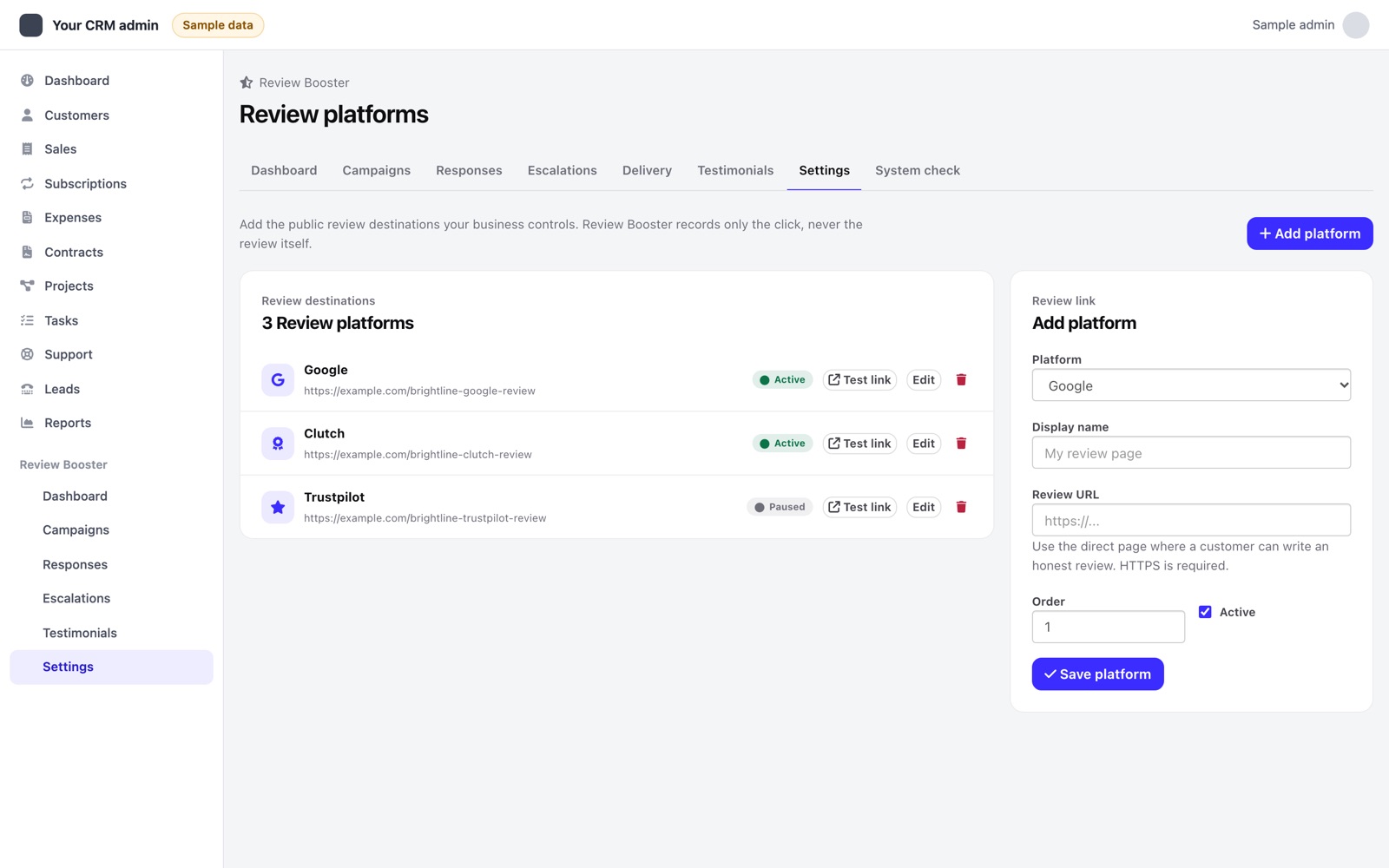
- Add destinations if wanted. In Review Platforms enter your own public review URLs and select the campaign's destinations. This step is optional; collecting feedback does not require a public review site.
- Send manually. Use the campaign's send action, or the customer's Review Booster tab, to select the contact. Scheduling is not immediate inbox delivery.
03Check delivery and answer
Allow the next Perfex cron run and the campaign's allowed sending window. The dashboard guide tracks an active campaign, recent cron activity, a transport-accepted invitation and a completed answer. Review destinations appear as an optional step. The guide is visible to campaign managers with settings access.
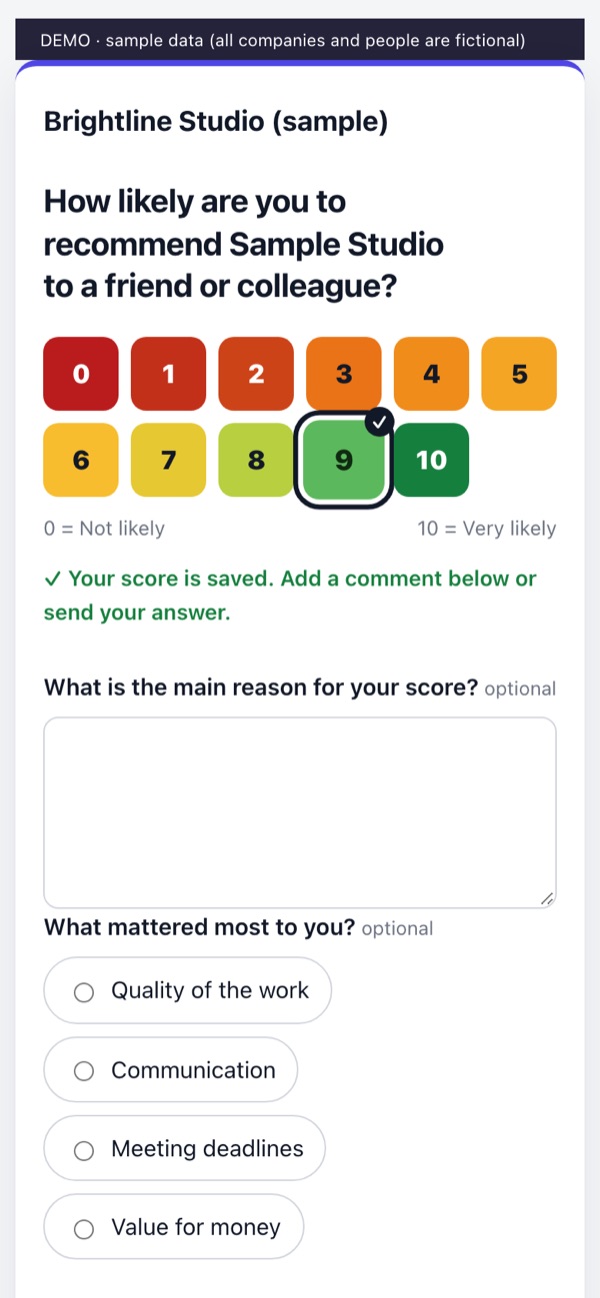
Check both the invitation record and the controlled inbox. A sent status means the mail transport accepted the message, not that the inbox received it. Open the signed link and submit the final answer. Selecting a score from email preselects it on the survey; the final submission records the response.
Submit a low score under your recovery rule, then open its case. In a separate controlled run, compare the review invitation after a high score: the public destinations must be the same. A review click records a click, not a posted review.
04Enable event campaigns
After the controlled cycle works, use project-finished, ticket-closed, invoice-paid or contract-signed campaigns, or a recurring every-N-days campaign. Select customer groups, delay, sending window and destinations deliberately. The safety-net setting adds a periodic sweep for supported project, ticket and contract events; it does not replace validating your host's event hooks.
Pausing a campaign holds its queued invitations and review reminders. Resuming makes waiting work eligible again under the normal guards. A message already passed to the mail transport can finish; pause cannot recall it.